FreezeTag is a (soon-to-be) open source self-hosted image storage solution. FreezeTag aims to allow users to leverage the primary features offered by Apple Photos or Google Photos, without requiring users to spend on expensive subscriptions or entrust their data with third-party software. FreezeTag supports a robust image tagging system, which allows images to be easily categorized based on the user's needs. In addition, FreezeTag is built with a plugin system that allows the app to be directly extended with programs written in Python. This allows the app to leverage local AI models through PyTorch, or to leverage third-party models through interacting with the respective API. These plugins are totally optional and extensible, giving maximum control to the user.
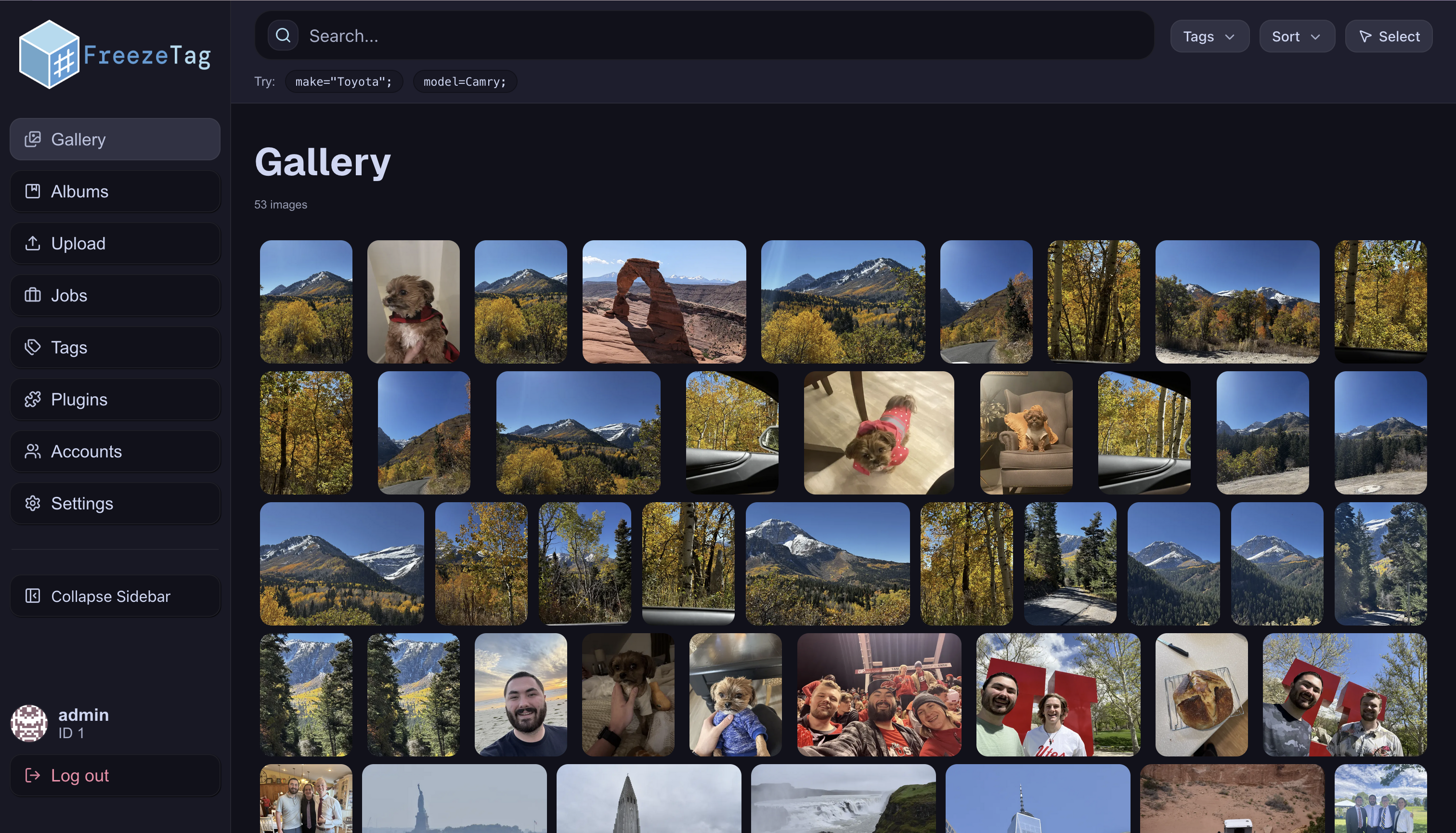
We use ImageMagick in our Go backend to parse and process images. ImageMagick allows us to extract metadata from most image formats, which we are able to use for searching or display. We also use ImageMagick to create WebP thumbnails, so that our app is responsive. Image information is stored using SQLite databases. Optionally, our frontend uses Leaflet to interface with OpenStreetMap to display location information. Everything else working with images, including the API endpoints, searching, tagging, file storage, and the gallery is all built in-house by us.
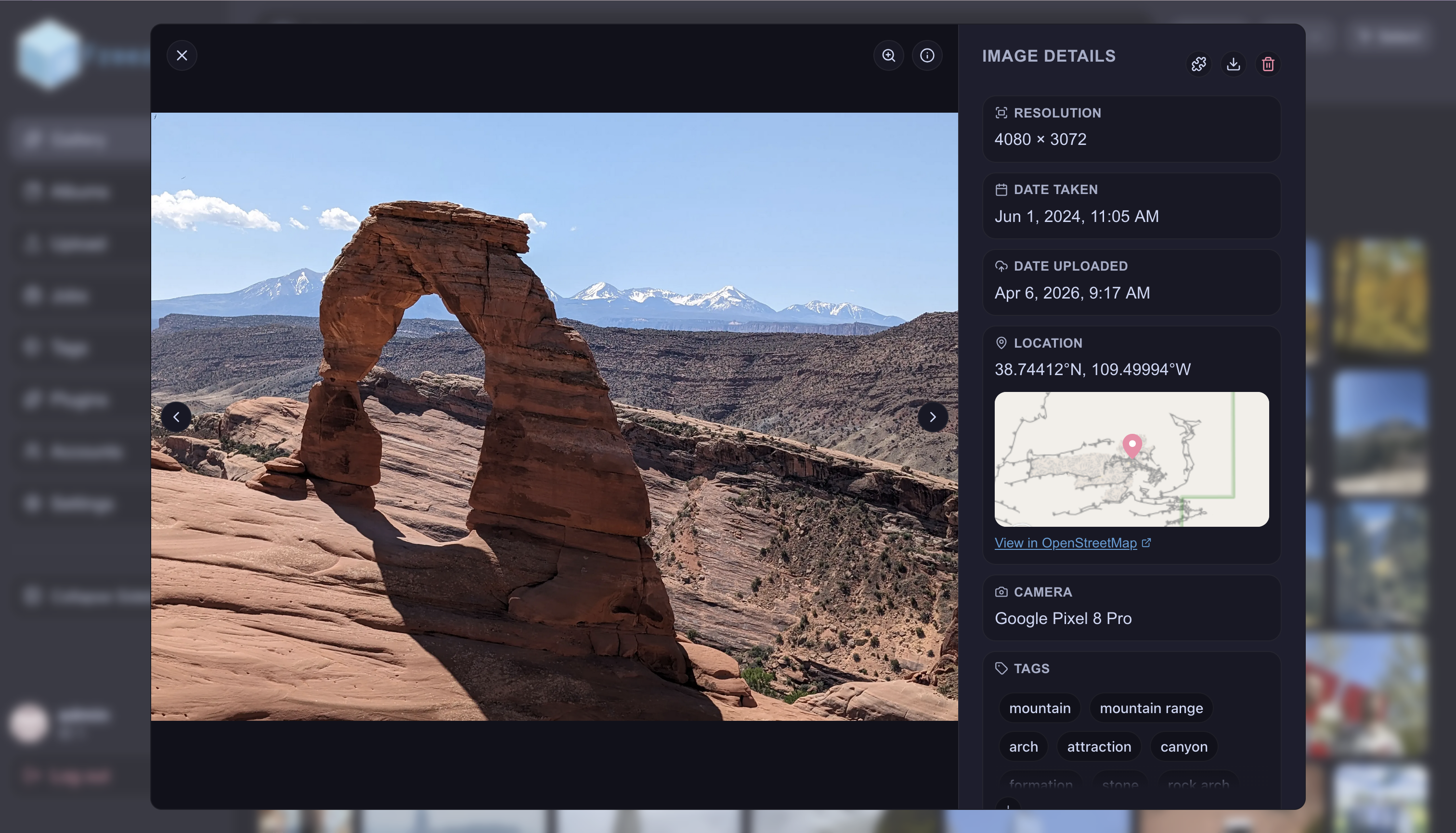
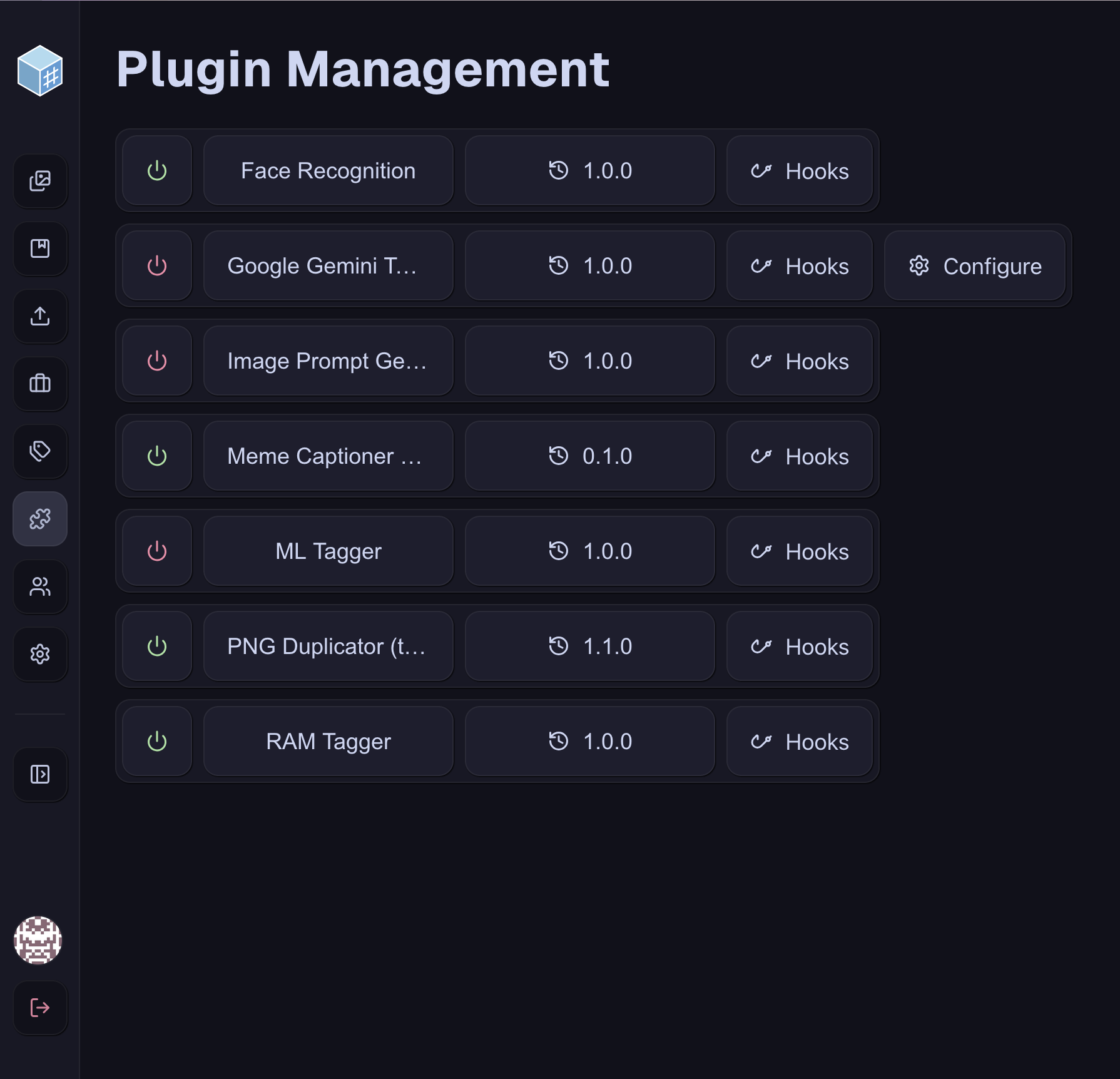
Our plugins are written in Python, and we rely on the uv package manager for constructing the environments for each plugin. In addition, the many AI-powered plugins rely on the use of PyTorch and related libraries to support running models. We also have a sample plugin that can use the Gemini API if you provide it with a key. The plugin protocol was entirely written in-house, which allows each plugin to interface with the app through a set of functions provided in the FreezeTag module that we wrote. These plugins run as part of a custom jobs system, which tracks the operation of each plugin or upload batch.
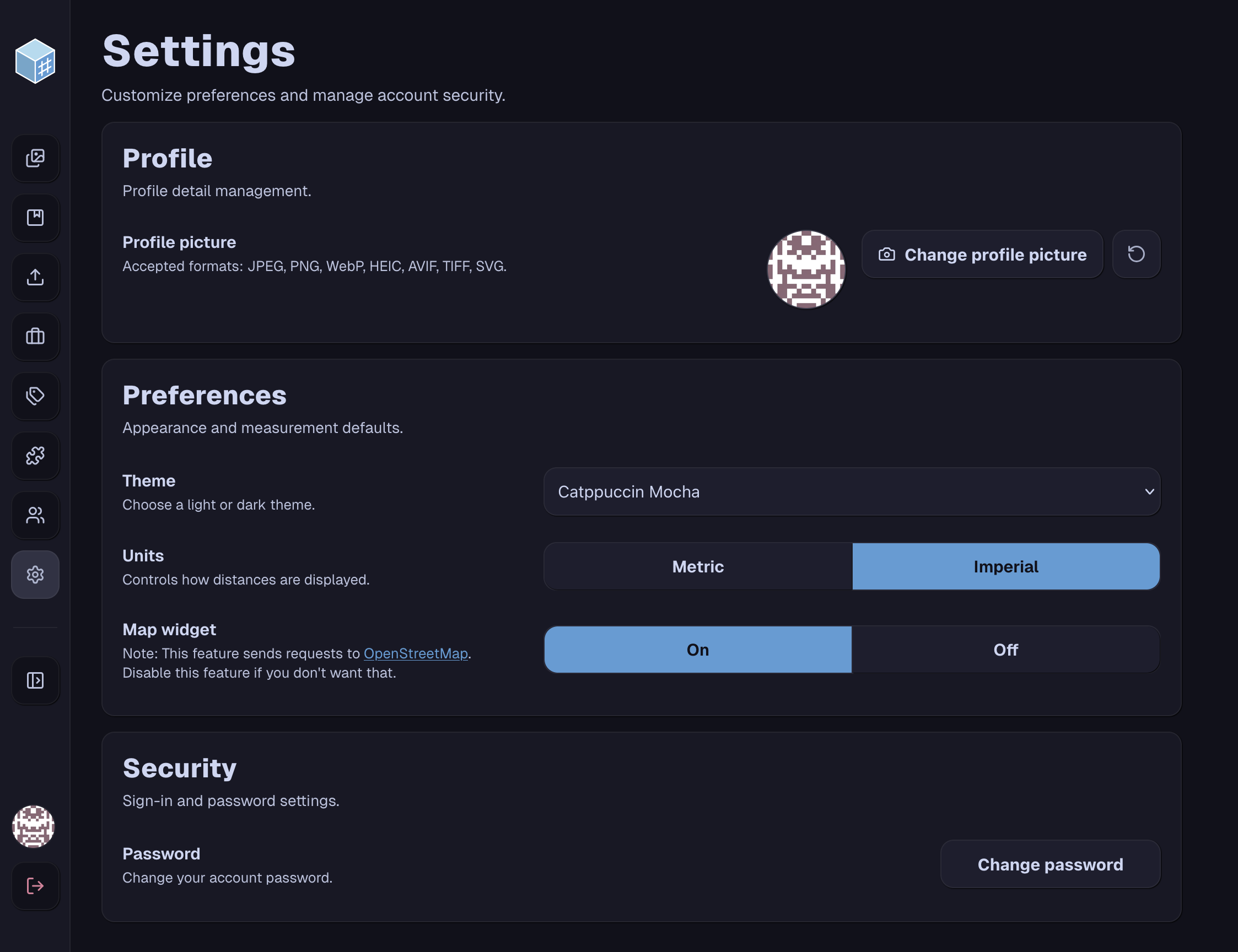
We store user information in our SQLite database, and hash user passwords using BCrypt. We built every other user component ourselves using standard industry practices. Each user can have permissions that limit their use of the app, to allow protecting data in case of accidents or breaches. In addition, our album systems allows some images to be restricted from certain users, to support mixed use cases on a shared instance. We automatically generate an admin user on initializing the app, so no complicated setup is required.